
WeChat-Selkies: docker里的微信和QQ
WeChat Selkies是基于 Docker 的微信/QQ Linux 客户端,使用 Selkies WebRTC 技术提供浏览器访问支持。
项目地址:nickrunning/wechat-selkies
将官方微信/QQ Linux 客户端封装在 Docker 容器中,通过 Selkies 技术实现在浏览器中直接使用微信/QQ,无需在本地安装微信/QQ 客户端。适用于服务器部署、远程办公等场景。
- 浏览器访问
通过 Web 浏览器直接使用微信,无需本地安装 - Docker化部署
简单的容器化部署,环境隔离 - AMD64和ARM64架构支持
- 可配置自动启动微信和QQ客户端
部署
docker-compose.yml:
services:
   wechat-selkies:
     image: nickrunning/wechat-selkies:latest    # or ghcr.io/nickrunning/wechat-selkies:latest
     container_name: wechat-selkies
     ports:
       - "3000:3000"       # http port
       - "3001:3001"       # https port
     restart: unless-stopped
     volumes:
       - ./config:/config
     devices:
       - /dev/dri:/dev/dri # optional, for hardware acceleration
     environment:
       - PUID=1000                    # user ID, set according to your system
       - PGID=100                     # group ID, set according to your system
       - TZ=Asia/Shanghai             # timezone, set according to your timezone
       - LC_ALL=zh_CN.UTF-8           # locale, set according to your needs
       - AUTO_START_WECHAT=true       # default is true
       - AUTO_START_QQ=false         # default is false
       # - CUSTOM_USER=<Your Name>      # recommended to set a custom user name
       # - PASSWORD=<Your Password>     # recommended to set a password for selkies web ui
     shm_size: "1gb"                  # recommended, will improve performance
docker compose up -d
成功后在https://ip:3001 访问,忽略警告。这里强制使用https。
此时在手机微信上提示“桌面微信已登录”。
体验
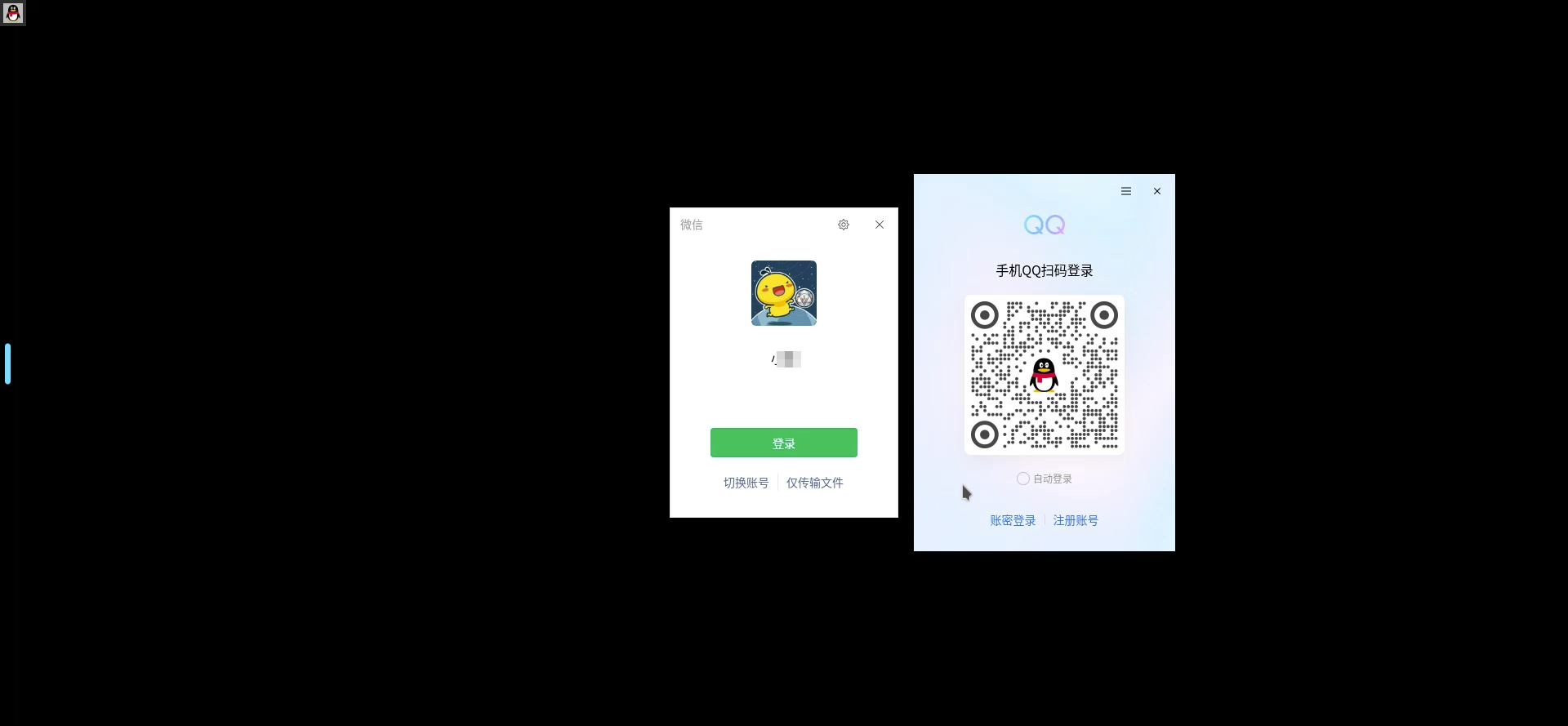
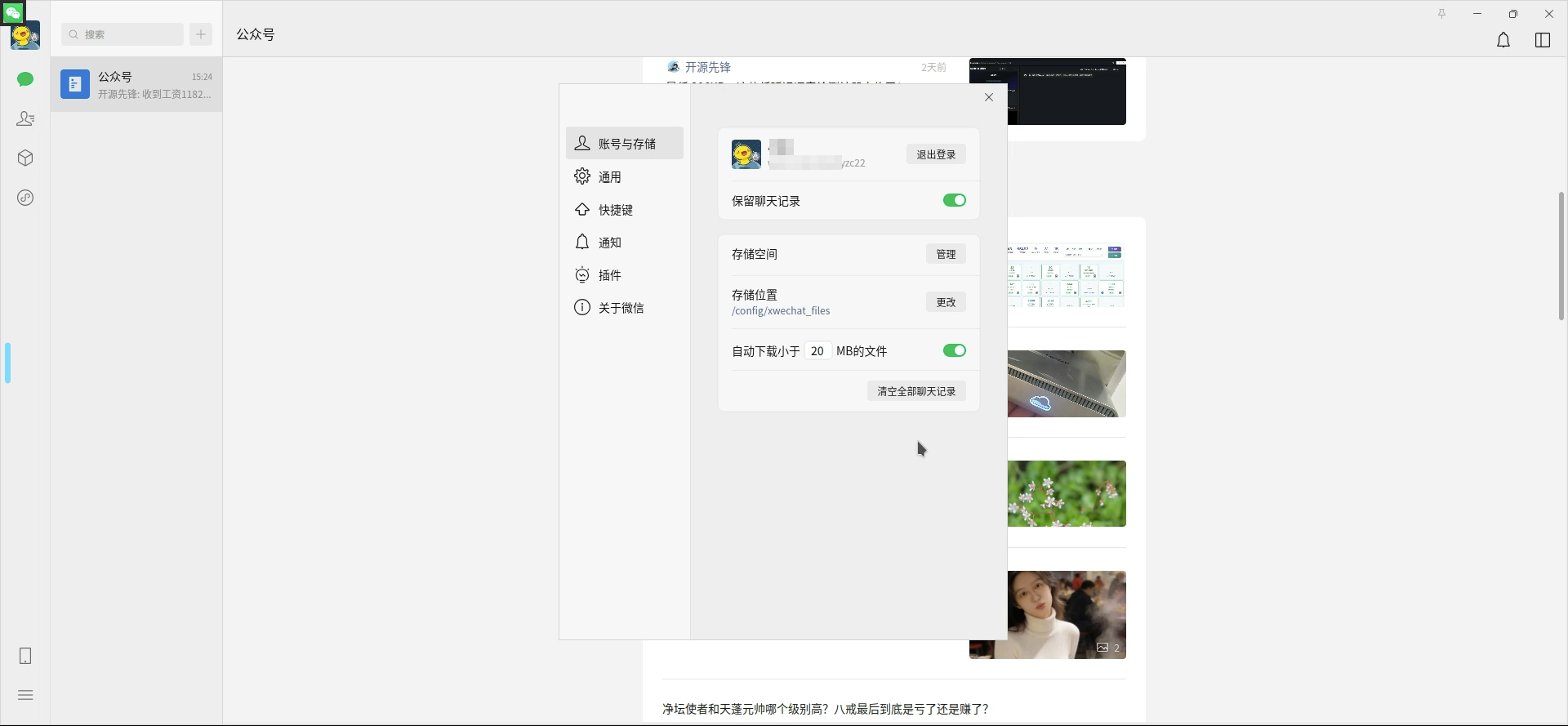
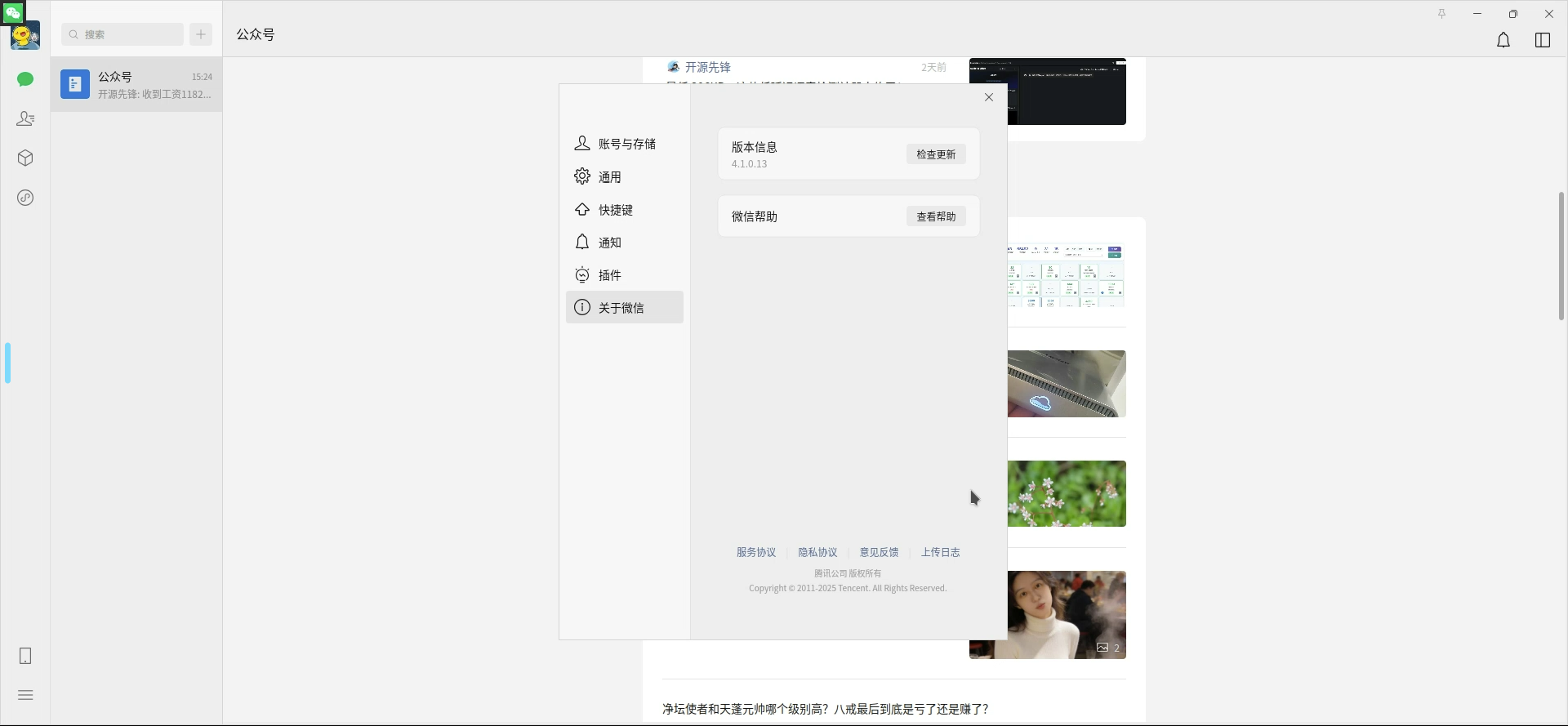
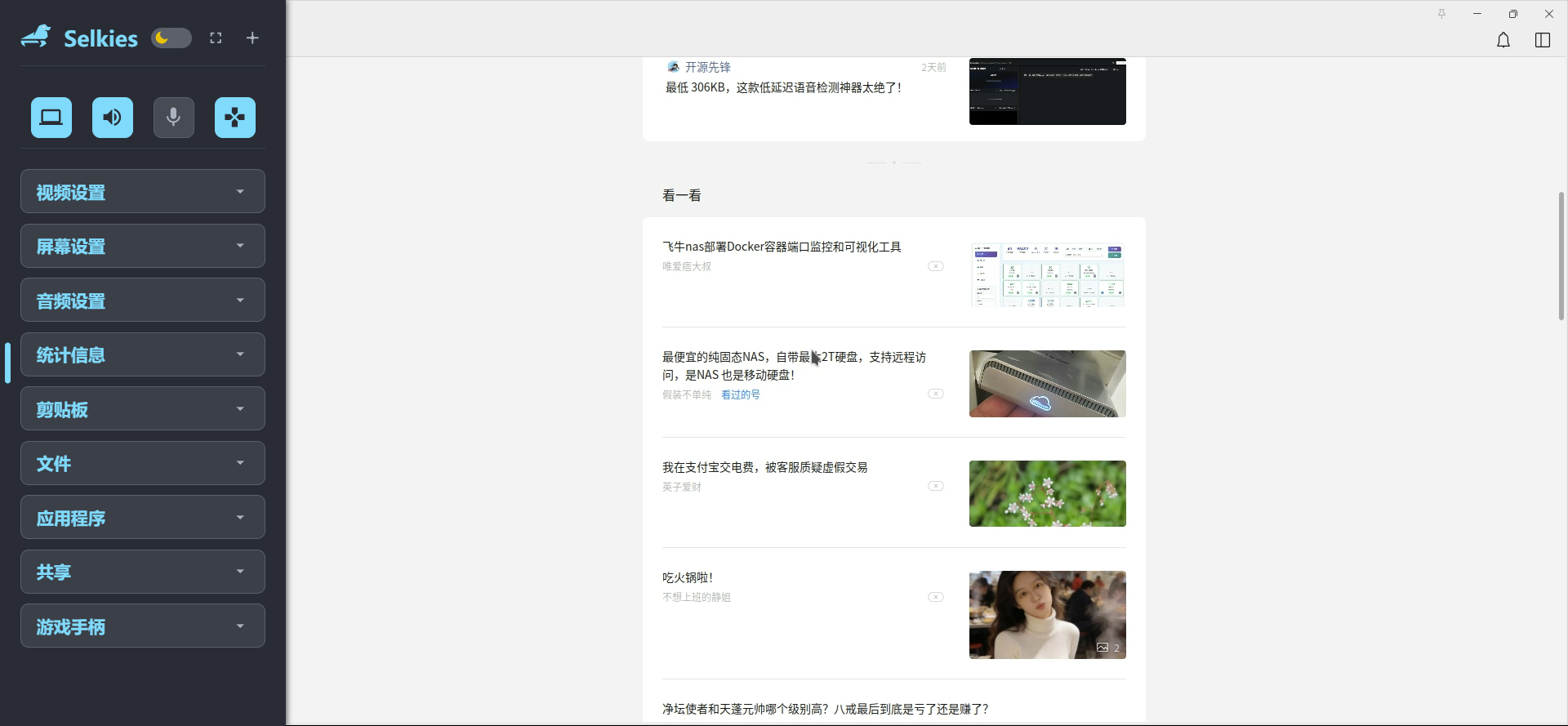
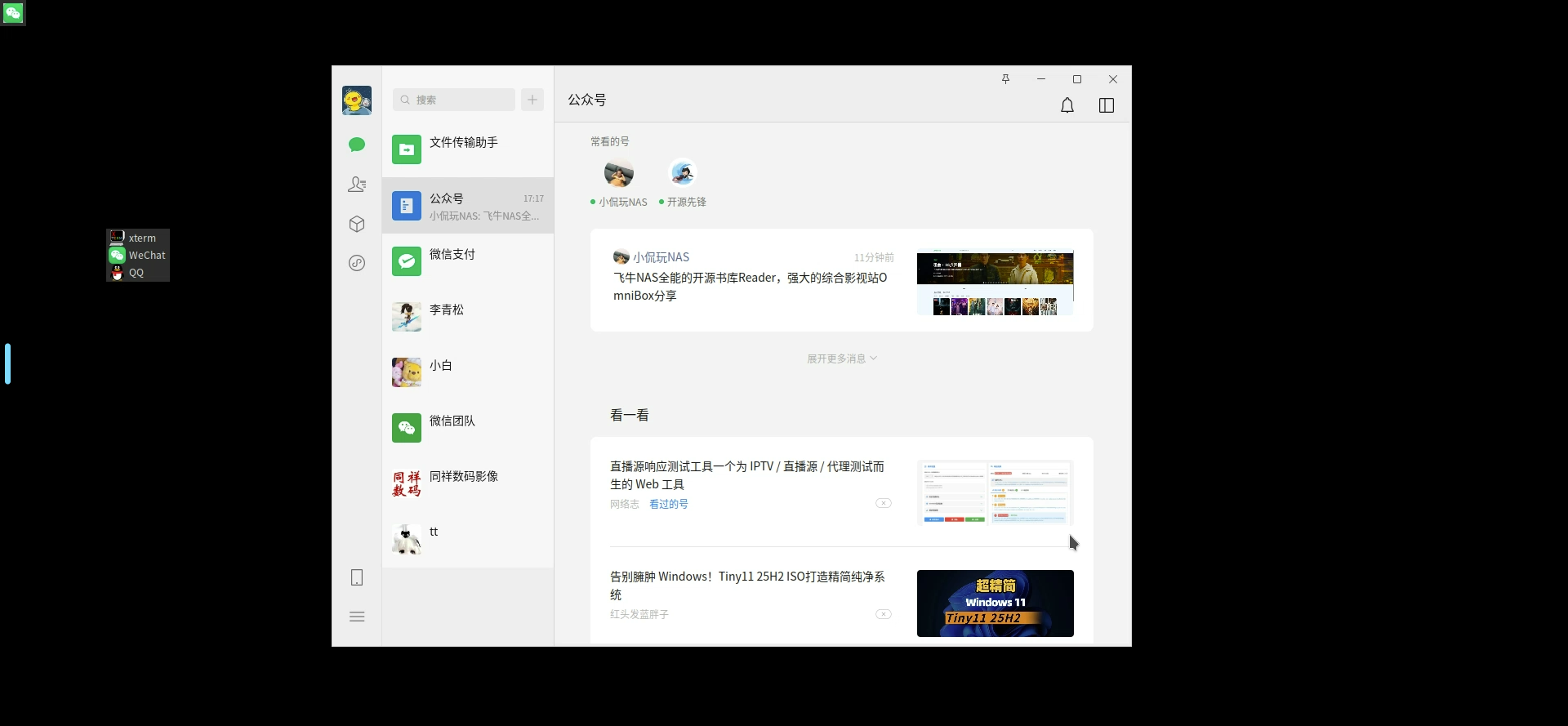
在桌面上右键显示菜单,可同时启动微信和QQ。
通过左侧的selkies菜单,还可安装应用程序,因速度原因没有再测试。
穿透到外网
frpc.toml中添加:
[[proxies]]
name = "wechat-selkies"                  # 名称
type = "https"
customDomains = ["wq.domain"] # 需要指向的域名,后面运行后使用这个域名访问
[proxies.plugin]
type = "https2https"
localAddr = "192.168.0.4:3001"                                         # 需要穿透的本地web服务
crtPath = "/root/ssl/domain.crt" # 对应域名的 crt 证书
keyPath = "/root/ssl/domain.key"        # 对应域名的 key 证书
hostHeaderRewrite = "192.168.0.4"                                      # 与 localAddr 的 ip 对应即可
requestHeaders.set.x-from-where = "frp"
生效后即可在https://wq.domain 访问。